
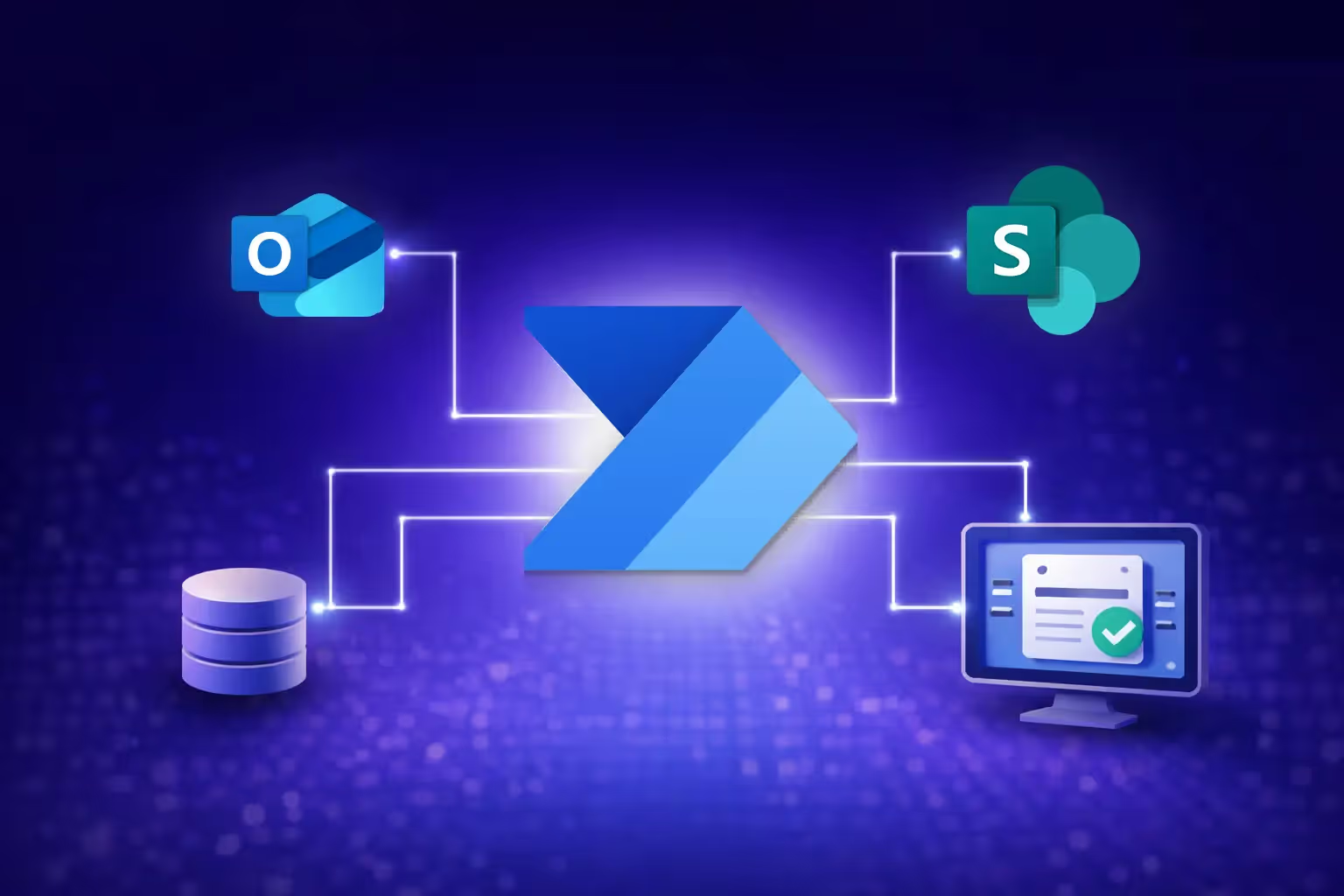
Power Automate is Microsoft’s workflow automation platform, designed to eliminate repetitive manual work by connecting the systems you already use. It ranges from simple notifications to complex, multi-step, multi-system workflows—and, when governed properly, becomes the backbone of modern operations
Every hour your team spends copying data between systems, chasing approvals, or manually processing documents is an hour they’re not spending on work that actually grows your business. Power Automate exists to eliminate that waste.
What is Power Automate and What Does It Do?
Microsoft Power Automate is a workflow automation platform that connects your apps, services, and systems to automate repetitive business processes.
It operates through three distinct capabilities.
- Cloud flows automate processes across cloud-based services like SharePoint, Outlook, Teams, Dynamics 365, and hundreds of third-party connectors.
- Desktop flows (RPA) handle legacy system automation by replicating mouse clicks and keyboard inputs on older applications that lack APIs.
- Process mining analyses your existing workflows to identify bottlenecks and automation opportunities before you build anything.
In other words, Power Automate can handle everything from “send a notification when a form is submitted” to “orchestrate a complex approval chain across multiple systems with proper error handling.”
Power Automate is part of the Microsoft Power Platform, meaning it integrates natively with Power Apps, Power BI, and Copilot Studio for end-to-end business solutions.
What Can You Automate with Power Automate?
Power Automate handles everything from simple email notifications to complex, multi-system enterprise workflows. The best starting point is the work your team dreads doing manually. Typical use cases include:
Approval workflows: Route purchase orders, leave requests, or expense claims through multi-level approvals with full audit trails, i.e. no more chasing signatures via email.
Document processing: AI Builder integration extracts data from invoices, receipts, and contracts automatically, eliminating manual data entry.
Data synchronisation: Keep your CRM, ERP, SharePoint, and project management tools in sync without manual exports and imports.
Notifications and escalations: Trigger alerts when SLAs are at risk, inventory drops below thresholds, or key metrics change.
Legacy system automation: Desktop RPA handles systems that predate modern APIs, automating data entry into mainframes, older ERP systems, or government portals.
For a view of how automation and user interfaces work together, our January post on Power Apps vs Power Automate: Better Together explains why combining the two is so powerful.
Power Automate vs Zapier: Which is Better for Business?
At a glance, Power Automate and Zapier look similar: both orchestrate actions between applications when certain events occur.
The difference is ecosystem depth and enterprise readiness.
Power Automate’s core advantage is its native, deep integration with Microsoft 365, Dynamics 365, Azure, and Dataverse. It inherits your Azure AD policies, DLP rules, and admin controls. This is critical for organisations that take data governance seriously. It also includes built-in desktop RPA, which Zapier doesn’t offer at all.
Zapier is simpler to set up for lightweight, app-to-app connections, most particularly between non-Microsoft tools. For small teams running a handful of automations, it’s a reasonable choice. But for organisations already invested in the Microsoft ecosystem that need governance, compliance, and scale, Power Automate is the stronger foundation.
How Should You Get Started with Power Automate?
It is tempting to let every team build their own flows immediately. A better approach is controlled enablement.
- Start with templates – Microsoft provides hundreds of templates for common tasks, giving teams a safe starting point.
- Pick the right first project – target a high-friction, repeatable process with clear time savings (e.g. approvals or document routing).
- Define governance early – naming conventions, environments, and DLP policies should be in place before automation spreads.
- Measure impact – track time saved, error reduction, and cycle-time improvements to build the business case for further investment.
DIY vs. expert: Simple notification flows are fine to build in-house. Multi-system approval chains with error handling, conditional logic, and production reliability? That’s where professional expertise pays for itself.
Key Takeaways
- Power Automate is Microsoft’s automation engine, covering cloud flows, desktop RPA, and process mining.
- It tackles real problems: manual approvals, document processing, data sync, and legacy integration.
- Compared with Zapier, it offers deeper Microsoft integration, RPA, and enterprise-grade governance.
- Starting small is good, but starting with governance is essential.
- Partnering with Aureus ensures your automation portfolio is robust, measurable, and aligned to business priorities.
Ready to Stop Doing Manually What Machines Can Handle?
Every hour spent on repetitive manual work is an hour not spent on strategy, growth, or innovation. Contact Aureus Intelligence AI today to identify the workflows costing you the most time and money—and automate them properly.
Explore our Power Automate services and see how automation fits into your broader Power Platform strategy.