

Introduction
AI workflow automation consulting maps and improves your business processes, then automates them with AI, so teams spend less time on manual work and more time delivering results.
In practice, you get a prioritized automation plan, a pilot workflow built end-to-end, and a rollout path that scales with governance, reporting, and maintainability.
Key Takeaways
- AI workflow automation consulting turns manual workflows into trackable, repeatable systems.
- Strong projects start with one workflow and a measurable definition of done.
- Automation handles deterministic steps; AI helps with interpretation and routing.
- Governance (access, logs, controls) keeps workflows auditable and reliable.
- The best deliverables are practical: designs, builds, metrics, and a scale plan.
Step-by-Step Guide to AI Workflow Consulting
What is AI workflow automation consulting?

AI workflow automation consulting assesses how work moves through your business, identifies where manual steps create delays or errors, and implements automation (often enhanced with AI) to make the workflow faster and more consistent.
It focuses on the full operating loop—intake → validation → routing → approvals → fulfillment → reporting—so the process runs predictably across people and systems.
What does an AI workflow automation consultant actually do?
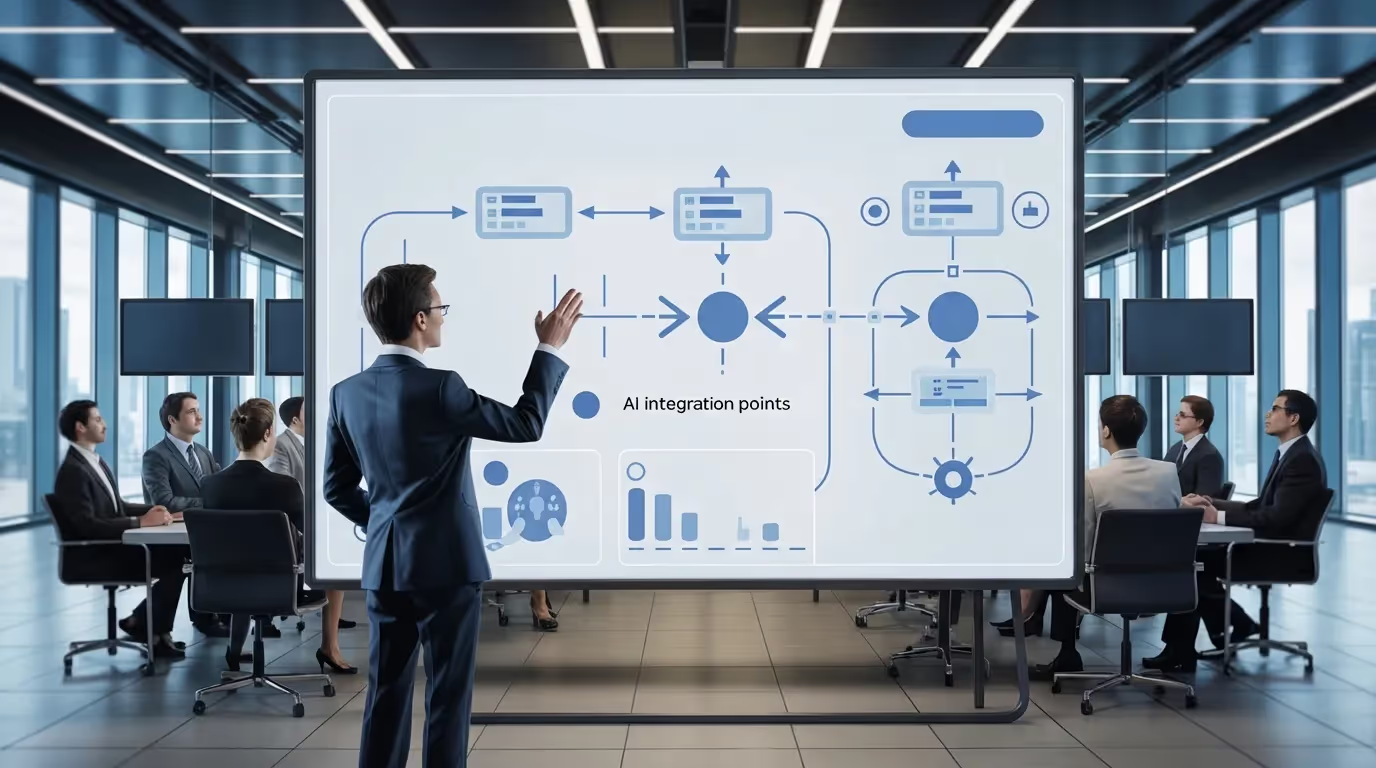
A consultant typically does four things:
- Document the current workflow, including steps, owners, systems, and handoffs.
- Redesign the workflow to reduce friction by removing rework and clarifying decisions.
- Build the automation, such as integrations, approvals, routing, notifications, and logging.
- Add measurement and governance through dashboards, access control, and change control.
It’s less AI magic and more operational engineering: defining rules, exceptions, and escalation paths so work stops getting stuck.
What problems is AI workflow automation consulting best at solving?
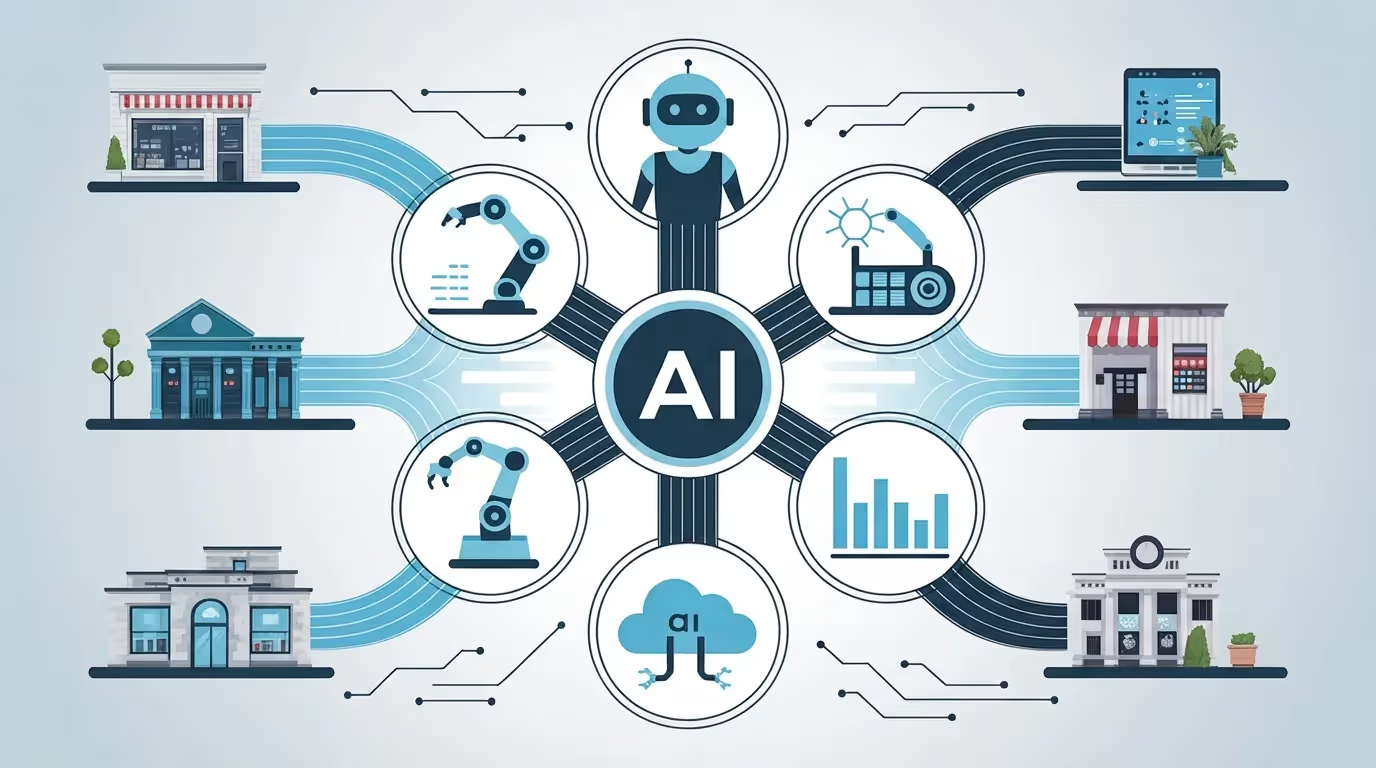
It’s best for workflows that are repetitive, cross-functional, and slowed by handoffs or rework. Common examples include onboarding, document intake and verification, ticket triage, billing approvals, compliance evidence capture, and internal request queues.
These usually share the same symptoms:
- Status updates are manual and frequent
- Decisions vary by person
- Data is re-entered across tools
- Nobody can see where the bottleneck is
When does AI add real value compared to basic automation?

AI adds real value when a workflow step requires interpretation, not just rules. Examples include:
- Extracting fields from unstructured documents
- Classifying requests into categories
- Summarizing long notes for faster review
- Routing work based on context (priority, risk, intent)
- Detecting anomalies that deserve human review
Basic automation is still the backbone for deterministic steps like moving data, triggering notifications, enforcing approvals, and recording actions.
What deliverables should you expect from an engagement?
A well-run engagement produces tangible outputs, not vague strategy decks. Expect:
- Workflow map + diagnosis
Clear “current state” steps, owners, systems touched, and failure points. - Prioritized automation backlog
A ranked list of automation candidates (time saved, risk reduced, effort required). - Target-state workflow design
The future flows with decisions, exceptions, and escalation paths defined. - Pilot build + rollout plan
One workflow automated end-to-end (or ready to launch), plus the next-wave plan. - Measurement + reporting
Baseline metrics and ongoing visibility into cycle time, backlog, throughput, and rework. - Governance controls
Access rules, audit logging expectations, and change control guidelines.
How does a typical AI workflow automation project work from start to finish?

Most projects follow a predictable sequence because the risk is operational, not technical.
Step 1: Choose one workflow with a clear “done” definition
Pick the workflow that drains time weekly and has an unambiguous outcome (approved, verified, closed, shipped, resolved). One workflow is enough to prove ROI and create reusable patterns.
Step 2: Map the workflow and quantify where time disappears
Mapping reveals hidden delays: waiting for approvals, hunting for missing data, re-entering the same fields, and handling exceptions inconsistently. Capture baseline numbers (volume, cycle time, error rate, rework time) so improvement is measurable.
Step 3: Redesign before you automate
Automation doesn’t fix a broken process—it just makes the broken process run faster. Redesign usually means standardizing intake, removing unnecessary approvals, clarifying decision rules, and defining exceptions.
Step 4: Build automation + AI only where it reduces friction
Build the workflow with clean intake, routing, approvals, alerts, and logs. Add AI where it saves real time (extraction, classification, summarization, routing).
Tools like Microsoft Power Platform commonly support this pattern by combining apps, workflows, analytics, and agent experiences in one ecosystem.
Step 5: Add governance, auditability, and safe change control
Governance keeps automation stable when staff changes, volumes spike, or rules evolve.
The NIST AI Risk Management Framework (AI RMF 1.0) provides a structured approach to managing AI risks across the AI lifecycle.
Step 6: Launch the pilot, measure results, then scale
A pilot should deliver measurable outcomes: time saved per case, reduced backlog, fewer errors, faster completion, and clearer status visibility. After the first workflow proves value, expand to adjacent workflows using the same patterns.
What should “good governance” include for automation and AI?

Good governance is simple, practical, and enforceable:
- Role-based access control so only the right people can approve changes, edit rules, or override exceptions
- Audit logs that clearly show what happened, when it happened, who did it, and why
- Versioning and change control to make sure updates don’t disrupt production
- Data retention and privacy rules, especially for regulated teams and operations
- Human-in-the-loop checkpoints for edge cases, escalations, and high-risk decisions
How do you know if you’re ready to hire an AI workflow automation consultant?

You’re ready if you can name one workflow that’s painfully manual and you can identify a business owner who feels the pain. You don’t need perfect documentation, but you do need:
- The trigger (what starts the work)
- The done outcome (how you know it’s finished)
- The systems involved (so integration is realistic)
Example / Template
One-Workflow Consulting Brief (copy/paste)
Use this to define a pilot workflow in 10 minutes:
- Workflow name:
- Trigger: What starts the work?
- Primary owner: Role/team responsible
- Systems touched: Email, CRM, SharePoint, ERP, etc.
- Decision points: Approvals, validations, thresholds
- Exceptions: What breaks the flow, and how is it handled?
- Success metric: Cycle time, backlog, rework, SLA
FAQs

Is AI workflow automation consulting only for large enterprises?
No. Mid-market teams often see faster wins because workflows are visible, ownership is clearer, and rollouts move more quickly. The main requirement isn’t size. It’s having at least one workflow with repeatable steps and a measurable outcome.
How long does it take to see results?
It depends on complexity and integrations, but a focused pilot can show measurable improvements quickly. The fastest wins usually come from automating intake, routing, approvals, and status visibility first, then layering AI features once the workflow is stable.
What’s the difference between RPA and AI workflow automation?
RPA automates rule-based actions (often mimicking clicks and keystrokes). AI workflow automation adds interpretation and decision support (like classifying requests or extracting fields from documents). Many practical solutions combine both: automation for deterministic steps, AI for judgment-heavy steps.
What should we prepare before a consultant starts?
Bring a workflow owner, a few real examples/cases, and a list of systems involved. You don’t need perfect data—just clarity on the trigger, the outcome, and where approvals happen.
How do we avoid building something that breaks when the process changes?
Design for change: centralize rules, define exceptions, log decisions, and use change control. Governance matters as much as automation because operational workflows evolve frequently.
Checklist

- Pick one workflow with a clear start and finish.
- Assign a workflow owner who can approve changes.
- Capture current volume and average cycle time.
- List systems touched and data handoffs.
- Identify the top three delay points.
- Define decision rules and exception paths.
- Automate intake, routing, approvals, and logging first.
- Measure results, then scale to the next workflow.
AI workflow automation consulting turns manual workflows into faster, auditable systems with measurable results. Start with one workflow, redesign it, automate it, then scale after the pilot proves ROI. Book a consultation to run a focused workflow audit, map one process, and launch a pilot you can measure quickly.